TBF #6 – Cards are being drawn
The story of how to draw a card
Hello and welcome back once again. You can't stop reading these blog posts, can you? Alright, alright, I hear you, enough praising, more content. Well, I do have a good story to tell this week: the challenge of drawing a card in the game. You would think it would be easy and quick to implement. Well, you're wrong!
Let me tell you how it was done before, the problems it created, and the new rendering approach we have right now in the game. Let's go.
The prehistoric time – the barbaric way
In the past, we used to render cards individually, one by one, in the game world. Our cards are a set of components that each represent one element that is quite important. One component could be the rage level, another one would be the description, and another the texture of the card.
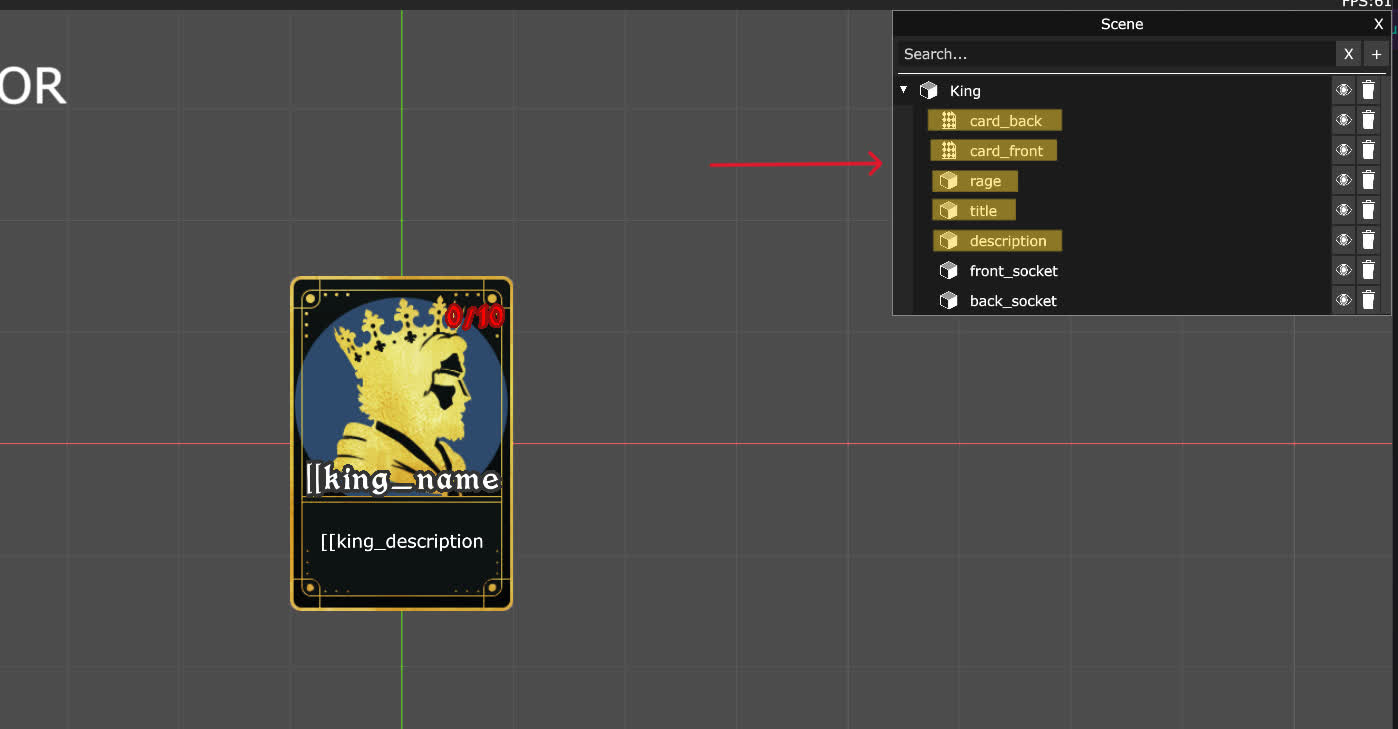 This is a sneak peek at the editor view we have while we are working on the cards.
What would happen is that the renderer would pick up that information and enqueue a bunch of draw calls to the GPU to render the card. Each component would make at least a single draw call, meaning that for a simple card, we would do around 4 to 5 draw calls.
A draw call is basically saying to your GPU: "please draw this thing right here in this way". Since our monitor displays the content on a 2D screen, the order of drawing the different elements matters. If you say "draw this text at position X" and then "draw this texture at position X", then the texture will hide the text.
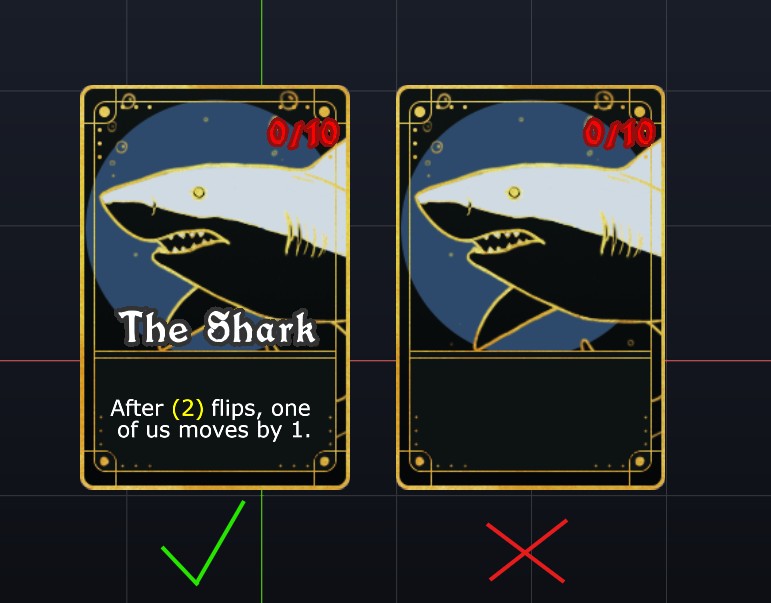
For our cards, we needed to be careful with the draw order. Each time we would draw a card, we would have to make sure it was done correctly. This would add a lot of code in a lot of places, and we wouldn't be able to re-use these results, making the number of draw calls explode. The more draw calls we do, the more your GPU has to work. If you read the previous blog post entry, you know that we want to render hundreds of cards, in different places, efficiently and quickly. So, we needed a solution.
What are the options?
We had three main options to fix these issues.
- The first option would be to create a new scene, have a camera pointing at the card, render that into a texture, and then use that texture everywhere else.
- The second option would be to have an offscreen texture, render all the cards into that texture (which would be called an atlas), and then when we draw, just draw one part of that giant texture.
- The third option would be to define the set of draw calls for a card as a group, and then just specify that group multiple times, which would reduce the number of repeated calls in the code.
After a long deliberation, we chose option #2. The reasoning was the following: option #1 would be painful because we would need to synchronize the data of the card between the main scene and the secondary scene. This would be complicated, as we can do a bunch of operations to a card. If a card is killed or has an effect like enrage, we would need to send and replicate that information. Otherwise, the result would be wrong. Option #3 would not help in the optimization of draw calls, and it would make the code way more complex than necessary. This defeats the purpose of what we are trying to achieve.
So, we are left with only option #2. Let's dive in.
The modern time – a non-barbaric way
The first thing we did was implement a specific renderer just for the cards. It's the one responsible for drawing into that offscreen texture and storing the information of where the card has been drawn in the texture, so we can re-use it later.
Very quickly, we were able to get the cards into the texture.
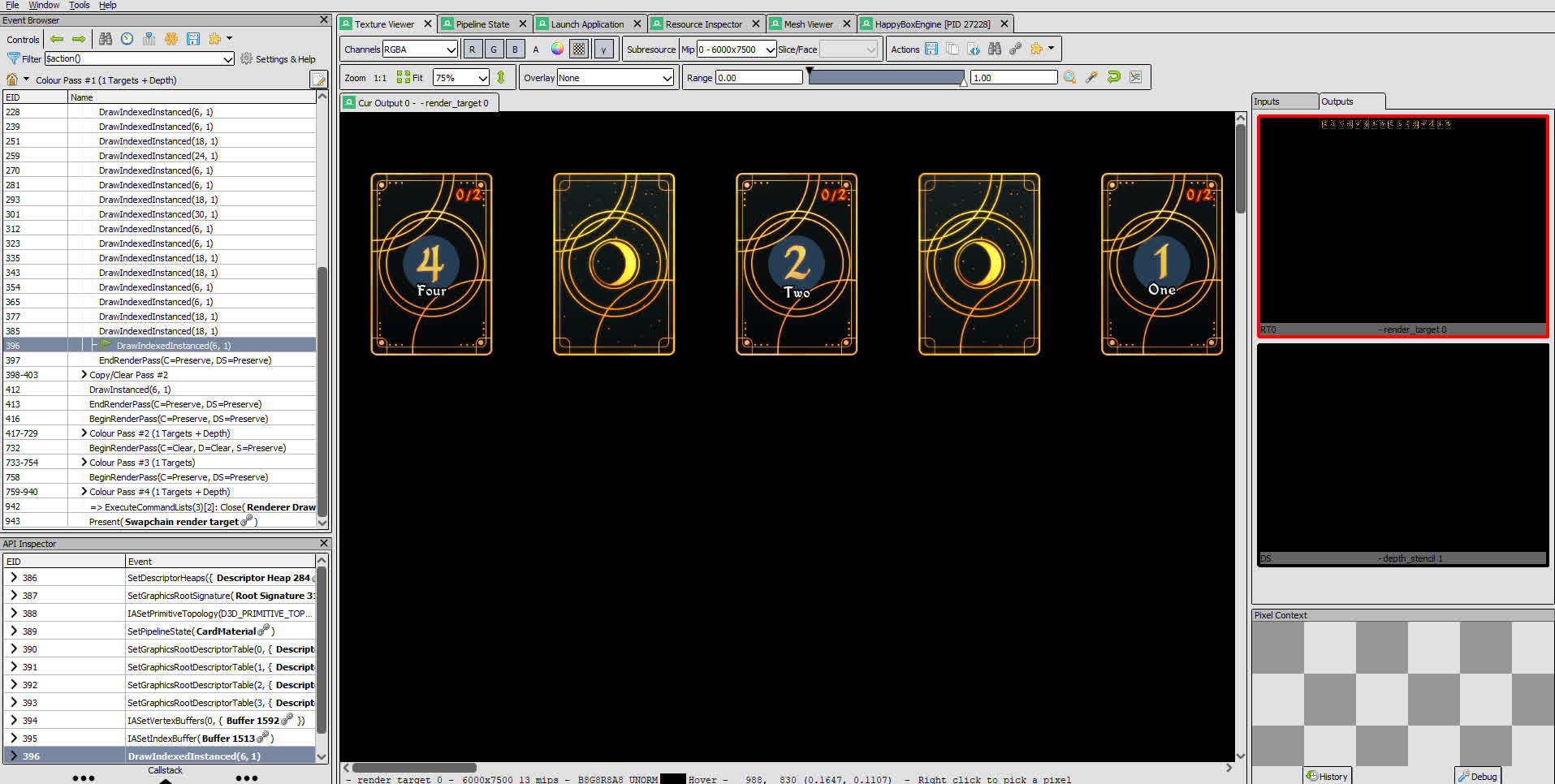 Using RenderDoc, we can inspect the drawing and see our texture being made!
At that moment, we found ourselves with tons of small but different issues. This is normal when you do such a massive change. I wanted to show them to you, so that you get a better idea of the effort it took to get there.
At first, our cards were drawn incorrectly.
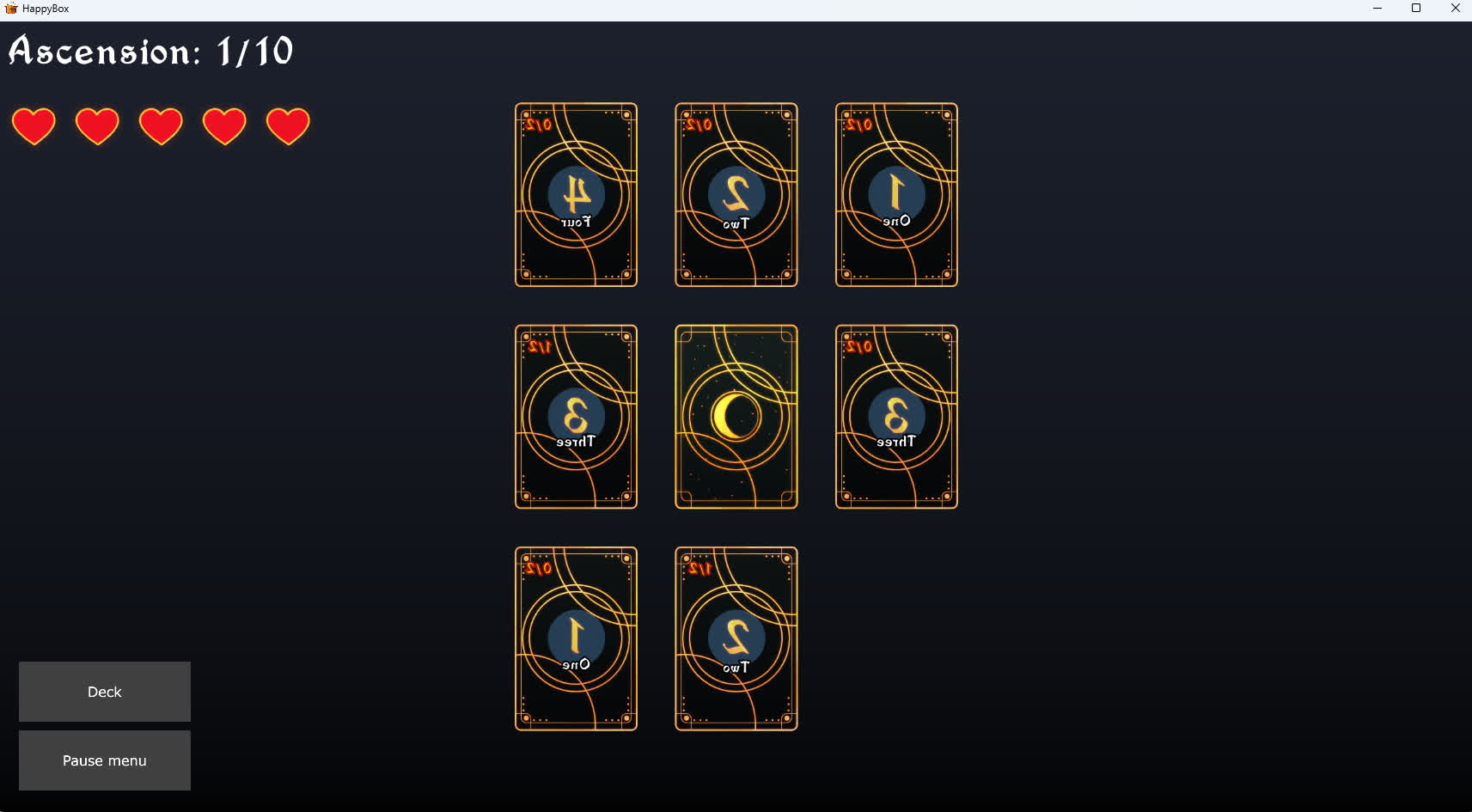
Then, resizing the game would break the texture atlas and give us this magnificent result.
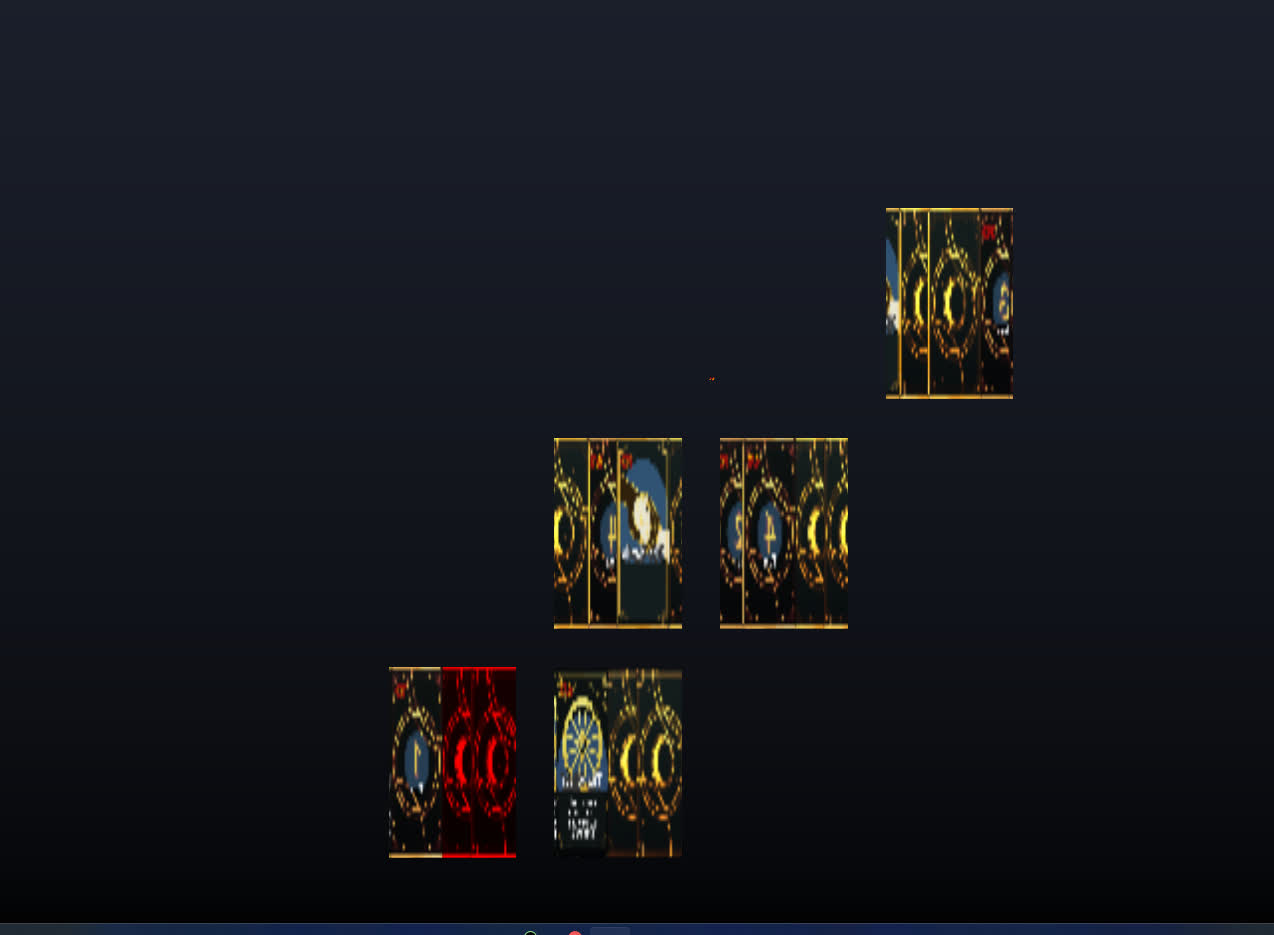 I mean, you can see something. I don't think you can play very much.
And finally, we even had transparent cards due to using the wrong part of the texture we had made before.
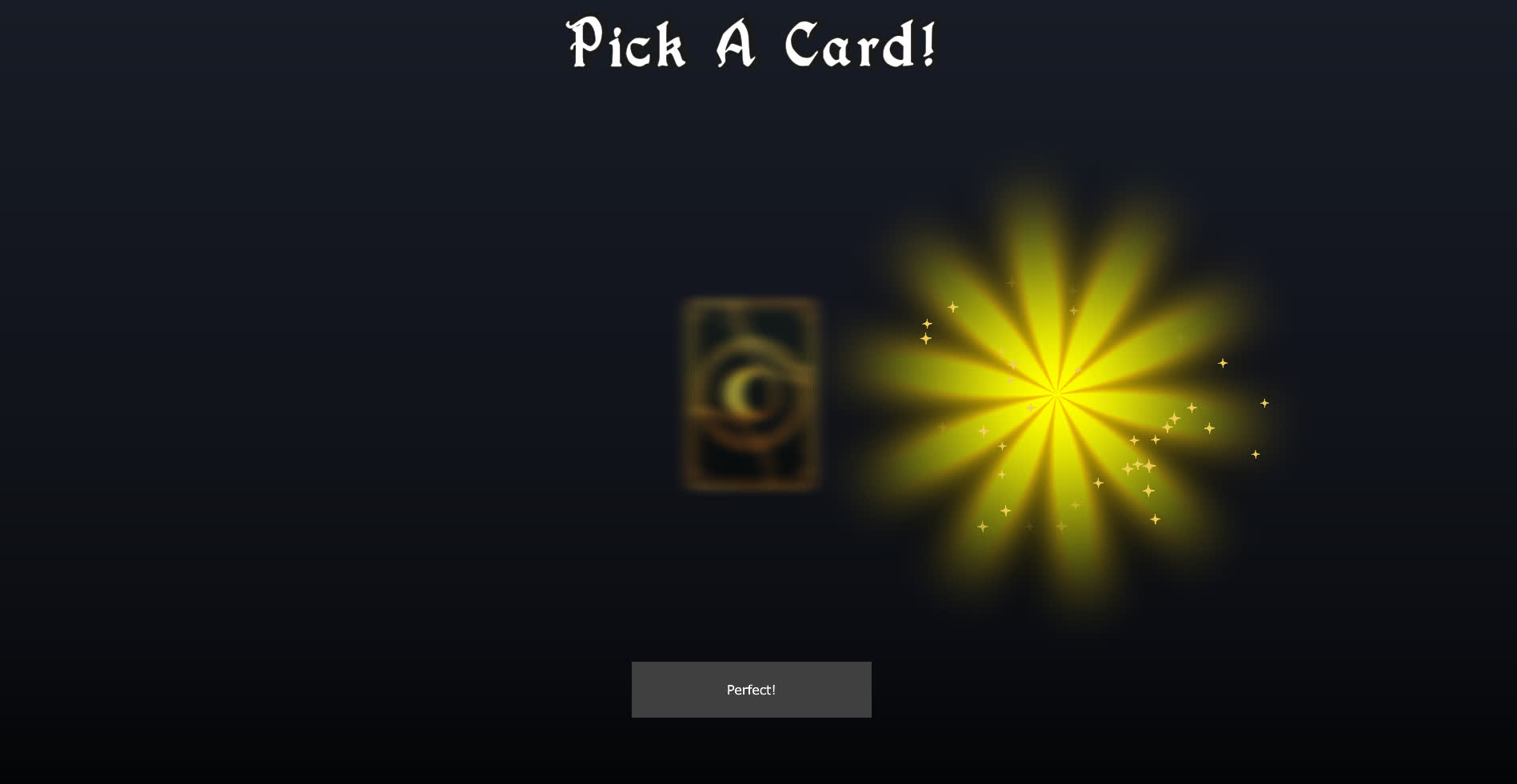
At the end of the day, we managed to get back to the same result we had before, which is to say, the game has not changed at all! However, it is now easier to draw cards, and the code is much, much simpler.
Sometimes, you need to do some extra work that brings nothing immediately so that you can do so much more later on.
In the next blog post, Tuesday next week (don't miss it!), we will explore how we used the result of our work in the game! As always, if you want to discuss the game, your hobbies, your favorite tea, coffee or anything else, join us on Discord!